The party scene, made original
Our Burning Bridges AI template was generated from text: a fictional crowd, crystal chandeliers, silver cups and a handheld phone camera. It contains no footage or audio from any music video.
 Burning Bridges AI
THE BURNING BRIDGES PARTY TREND, STARRING YOU
Upload a photo of yourself and up to two friends who agreed to appear. Burning Bridges AI puts you in the lead of a chandelier-lit party, cup raised, crew cheering behind you, in a 10-second video to preview and download. Results and processing times vary.
You pay for automated video processing, using credits on this site. The party scene is original and AI-generated, with no footage or music from any music video. Generated videos are synthetic, not recordings of the people in your photos.
40 credits · 10-second vertical MP4 · no music
Photo 1 takes the lead with the cup. Photos 2 and 3 are optional friends cheering behind you, left to right. By creating, you confirm you have permission to use each photo. Terms of Service
Your photos are uploaded to our storage and sent to fal.ai for video processing. Upload only people who agreed to appear. See our photo storage and deletion information.
SEE THE RESULT
These are the exact photos used for this real generation. Press play to see the result.
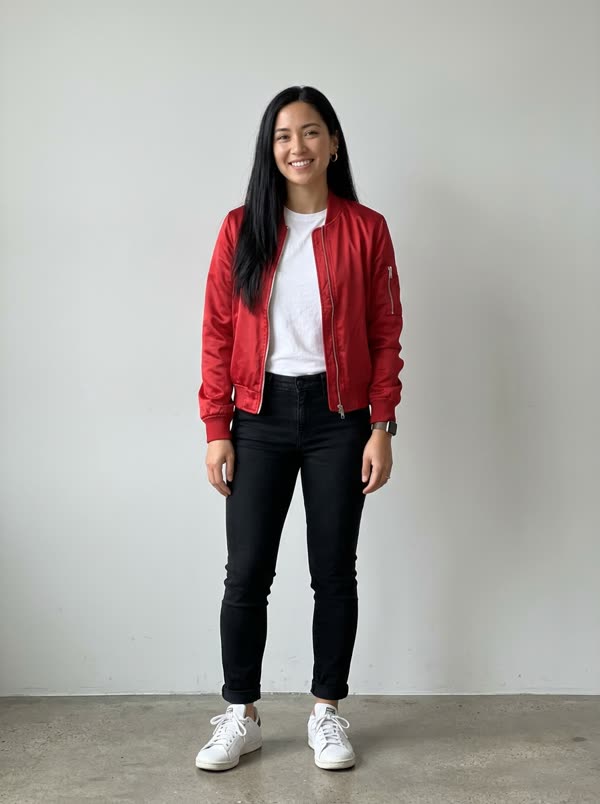
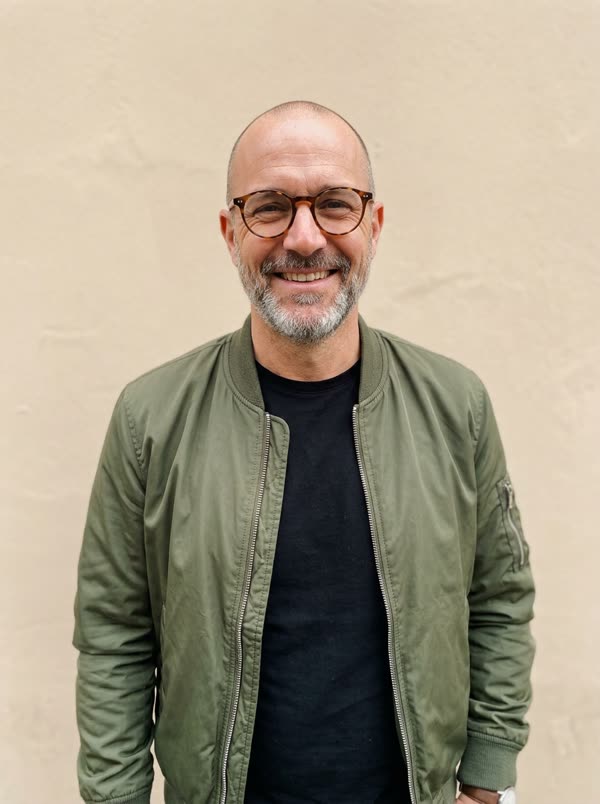
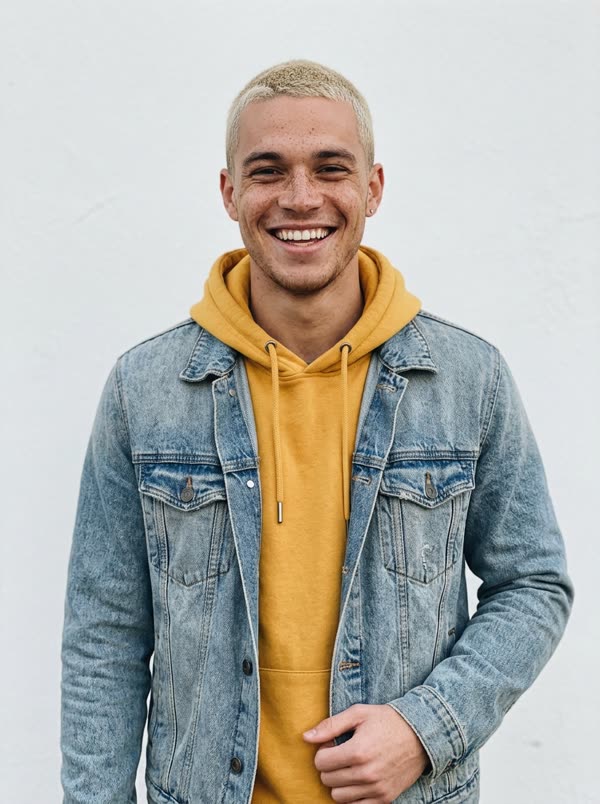
The party template and the three input portraits depict AI-generated fictional adults. This is an actual output using the current template; results vary with your photos.
Make a video with your photosHOW TO MAKE A BURNING BRIDGES AI VIDEO
Photo 1 is you, the lead with the cup. Photos 2 and 3 are optional friends who cheer behind you. Use clear photos of adults who agreed to appear.
Each Burning Bridges AI video costs 40 credits, however many photos you use. Your cast is placed into our original party scene.
Watch the result, save the MP4 and find it again later in your account history.
WHAT IS BURNING BRIDGES AI
Burning Bridges AI turns one to three photos into the Burning Bridges party video: you hold the cup in the middle of a packed, chandelier-lit dining room, wave at the lens and point at the camera while your friends cheer behind you. Upload your photos, check the credit price and download your Burning Bridges AI video when it is ready.
The Burning Bridges AI trend took off on TikTok, Reels and Shorts in autumn 2026, inspired by the party scene in the music video for Drake’s “Burning Bridges”. Our version is an original scene generated from text for this tool: no music video footage, no song and no real guests. Preview the example to see the current scene before purchasing.
WHO GOES WHERE
Center frame with the silver cup: you wave at the lens, point at the camera and raise the cup as the phone sways.
Optional. Cheers behind your shoulder and throws a cup in the air. Leave it empty and a fictional guest stays there.
Optional. Hypes you up from the other side. Every photo is one person, kept in the order you upload them.
WHY THIS TOOL
Our Burning Bridges AI template was generated from text: a fictional crowd, crystal chandeliers, silver cups and a handheld phone camera. It contains no footage or audio from any music video.
One photo puts you in the lead. Add a second and third photo and your friends cheer behind you, kept in the left-to-right order you upload them.
Download a vertical MP4 without music. Add only sound you have the rights to use, keep everyone’s consent and label the video as AI-generated when you share it.
PHOTO AND CONSENT TIPS
The Burning Bridges AI trend puts a new person into a party scene inspired by the music video for Drake’s song “Burning Bridges”: a crowded, chandelier-lit dining room, a raised cup and a wave at a handheld camera. Burning Bridges AI recreates that kind of moment with an original AI-generated scene and fictional crowd, then puts you in the lead.
No. Our party scene was generated from text for this tool and contains no footage, stills, audio or lyrics from the music video. The MP4 you download has no music. Add only sound you have permission to use on your platform.
Sign in, upload a clear photo of yourself and up to two photos of friends who agreed to appear, check the credit price and select Make my Burning Bridges video. The video is ready to download when processing finishes.
Yes. Photo 1 is the lead with the cup. Photo 2 and photo 3 become friends cheering behind you, from left to right in upload order. Each photo should show one adult who has agreed to appear.
No. Upload only yourself or adults who agreed to appear. Photos of celebrities, musicians, politicians or other public figures, of children, or of anyone without their consent are not allowed, and we remove reported videos.
Each video costs 40 credits, with one, two or three photos. New accounts start with 0 credits. Buy a single video or choose a plan to add credits.
Use well-lit photos with one person in each, facing the camera with their face and upper body visible. Upper-body or full-body shots keep outfits consistent through the video.
Processing time varies with provider demand, usually a few minutes. You can leave the page open or come back later; the result appears in your account history.
Confirmed failed generations restore the reserved credits to your balance. If a task is still being checked, wait for it instead of submitting the same photos again.
No. Burning Bridges AI is an independent AI video tool. It is not affiliated with, endorsed by or sponsored by Drake, his record label or the makers of the music video. “Burning Bridges” is used only to describe the trend.
One photo, 40 credits, and your Burning Bridges AI video is on its way.
Make a Burning Bridges AI videoburningbridgesai.pro is an independent AI video tool, not affiliated with, endorsed by or sponsored by Drake, his record label or the makers of the “Burning Bridges” music video. Our party scene is original and AI-generated. Upload only adults who agreed to appear; no celebrities or public figures.